


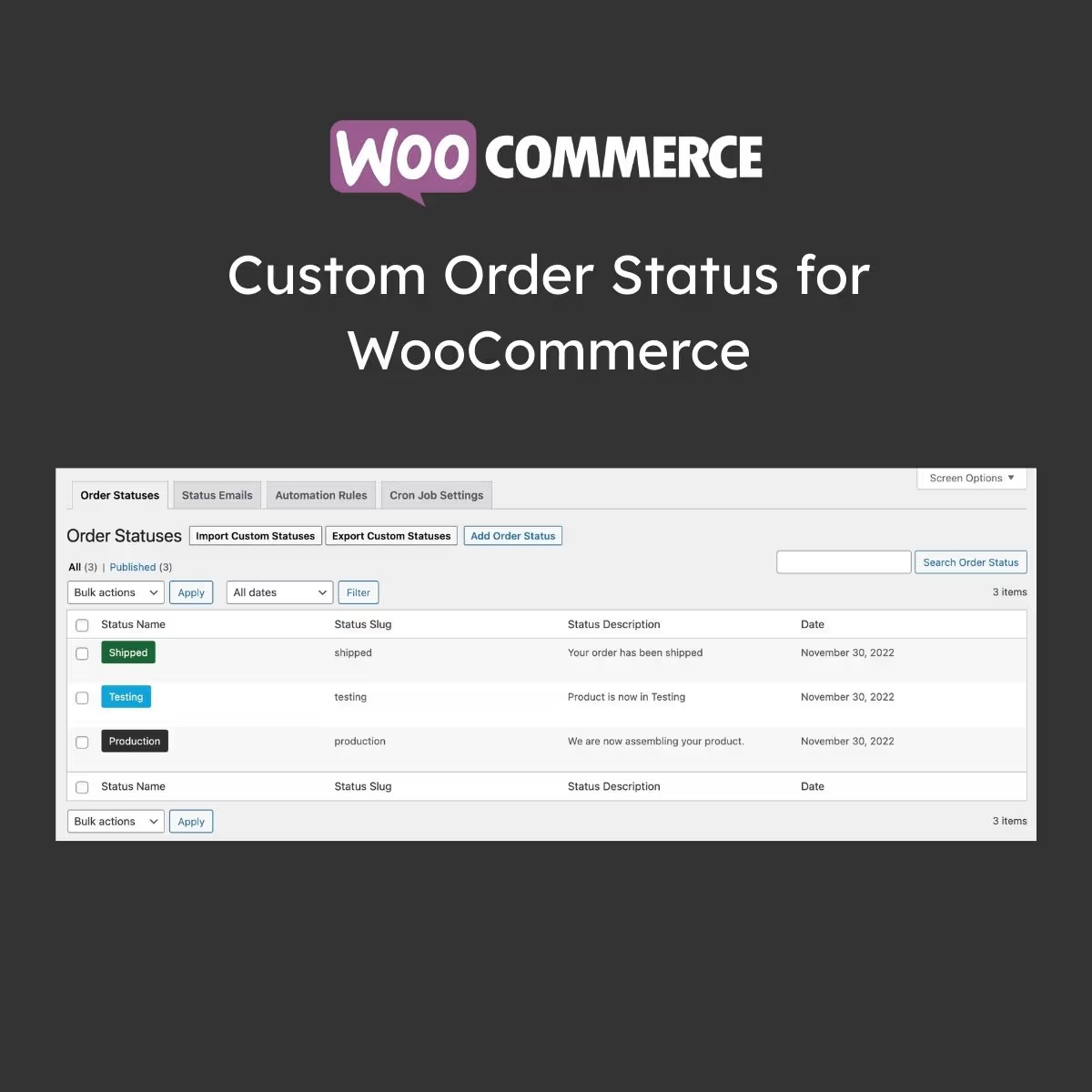




Custom Order Status for WooCommerce – Improve your order management by creating additional order statuses. Manually or automatically assign order statuses and keep customers informed with automatic email notifications.
Efficiently manage your orders
The Custom Order Status extension enables you to create additional order statuses to better manage your order processing. Manually assign new order statuses or create automation rules to automatically change order statuses based on various conditions like order amount, quantity, user role, product, date, and more.
WooCommerce comes with eight standard order statuses (on-hold, pending, etc.). They do not cover all the situations businesses encounter. With Custom Order Status, you can create additional order statuses that better represent your business. You can add items like manufacturing, packaging, printing, shipping, etc.
Instead of manually adding new statuses, you can bulk import and export statuses using a CSV file. Automatically assign new statuses or manually assign them from the Order-Detail page or by using bulk actions from the Orders-Listing page.
Custom Order Status allows you to keep your customers and store admin informed about status changes using Advanced Email Notification rules.
Features
- Create multiple custom order statuses
- Add text or icon-based custom order statuses
- Manually or automatically assign order statuses
- Manually change order statuses from
- Default Order List
- Order Detail page
- Automatically change order statuses based on
- Current order status
- Time intervals
- Order quantity ranges
- Order amount ranges
- Products and or categories in order
- Order billing and shipping country locations
- User roles
- Order creation date ranges
- Import or export to custom order statuses
- Notify customers and admins about status changes
- Show or hide custom order statuses from customers
- Customize Cronjob to include seamless executive automation rules


